Coffee shops
Speed up peak-hour ordering without adding friction.

Give guests a simple, app-like way to browse your menu, place orders and pay from their phone—while your team gets smoother operations and better control.
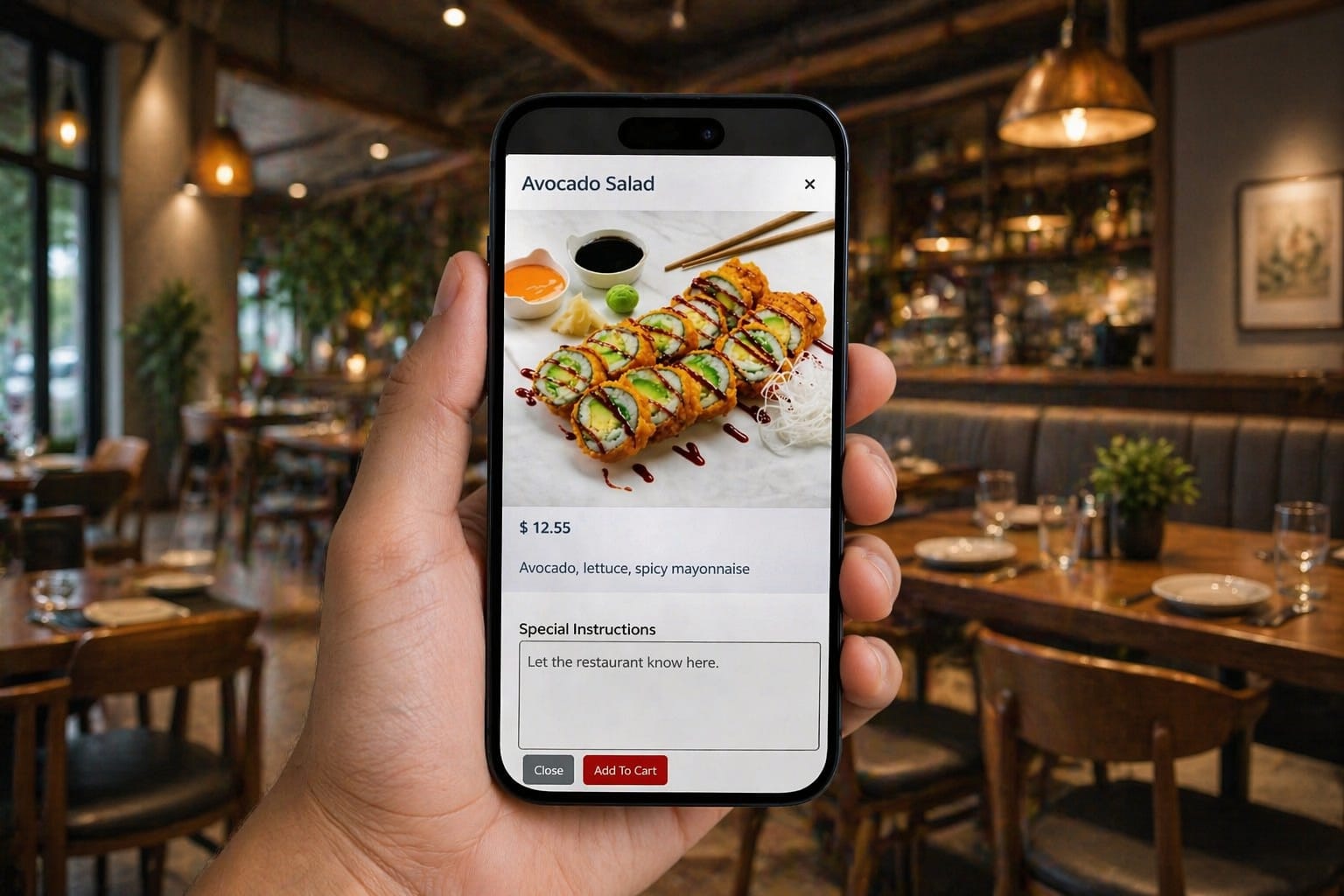
Whether you serve coffee, cocktails, quick bites or full meals, your ordering flow stays simple.
Speed up peak-hour ordering without adding friction.
Move more orders through your operation with less waiting.
Let guests browse and order right from their table.
Make reordering drinks and food effortless.
Handle queues and orders from a compact digital flow.
Organize guest ordering for events and group service.
Keep your menu accessible and easy to order.
Flexible enough to adapt to your service model.
A polished mobile experience for guests and an easier workflow for your team.
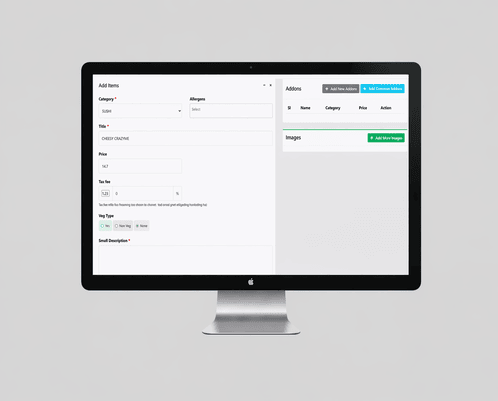
Build an app-like menu and ordering page that works beautifully on mobile.
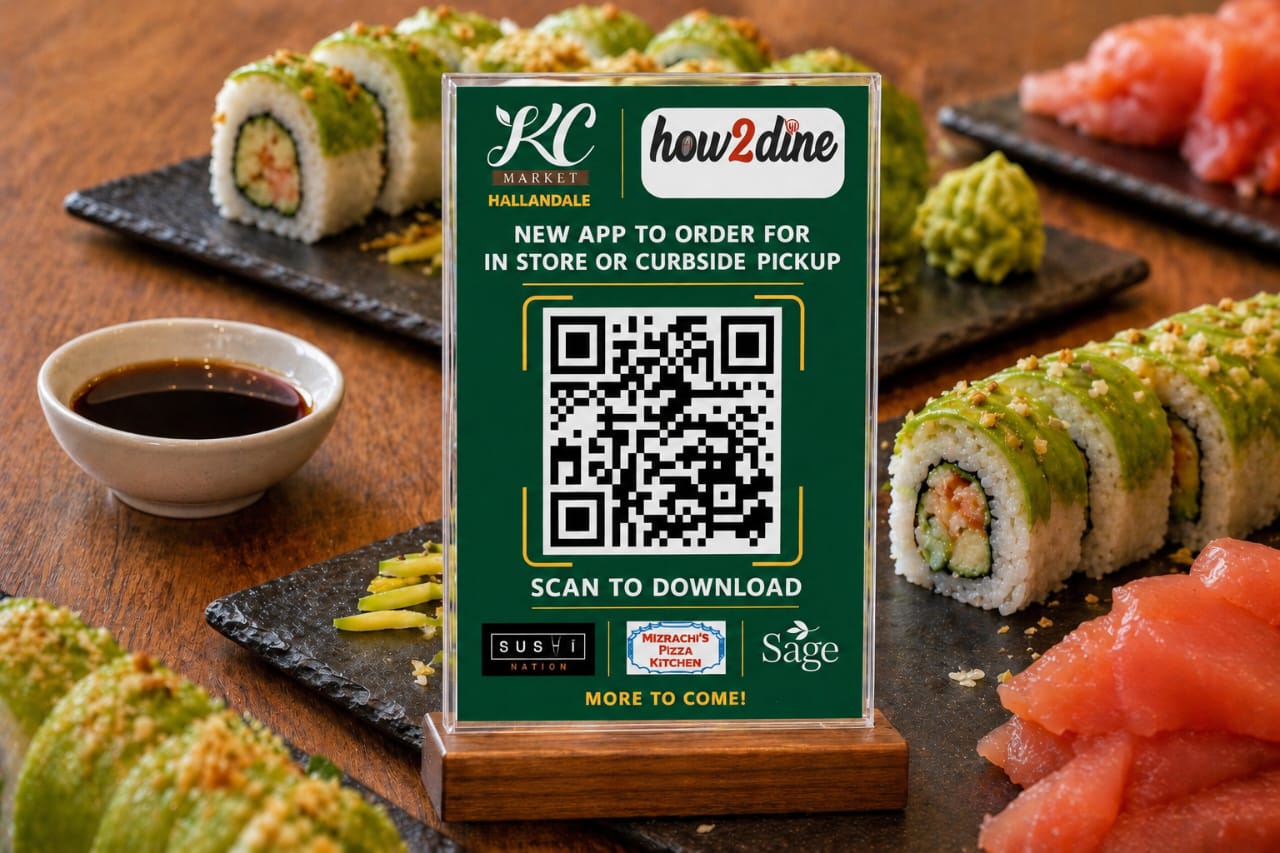
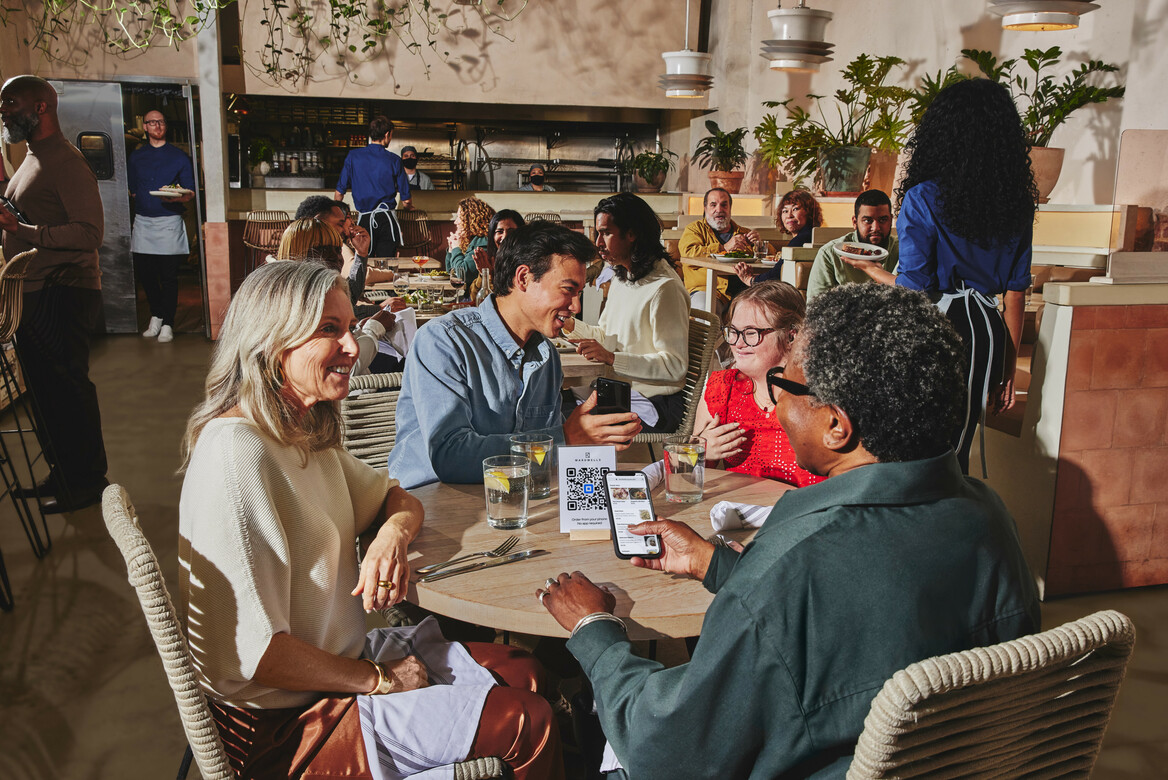
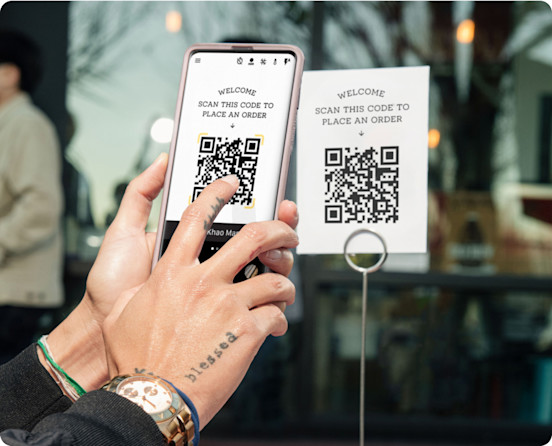
Guests scan a table or venue QR code and instantly access your menu.
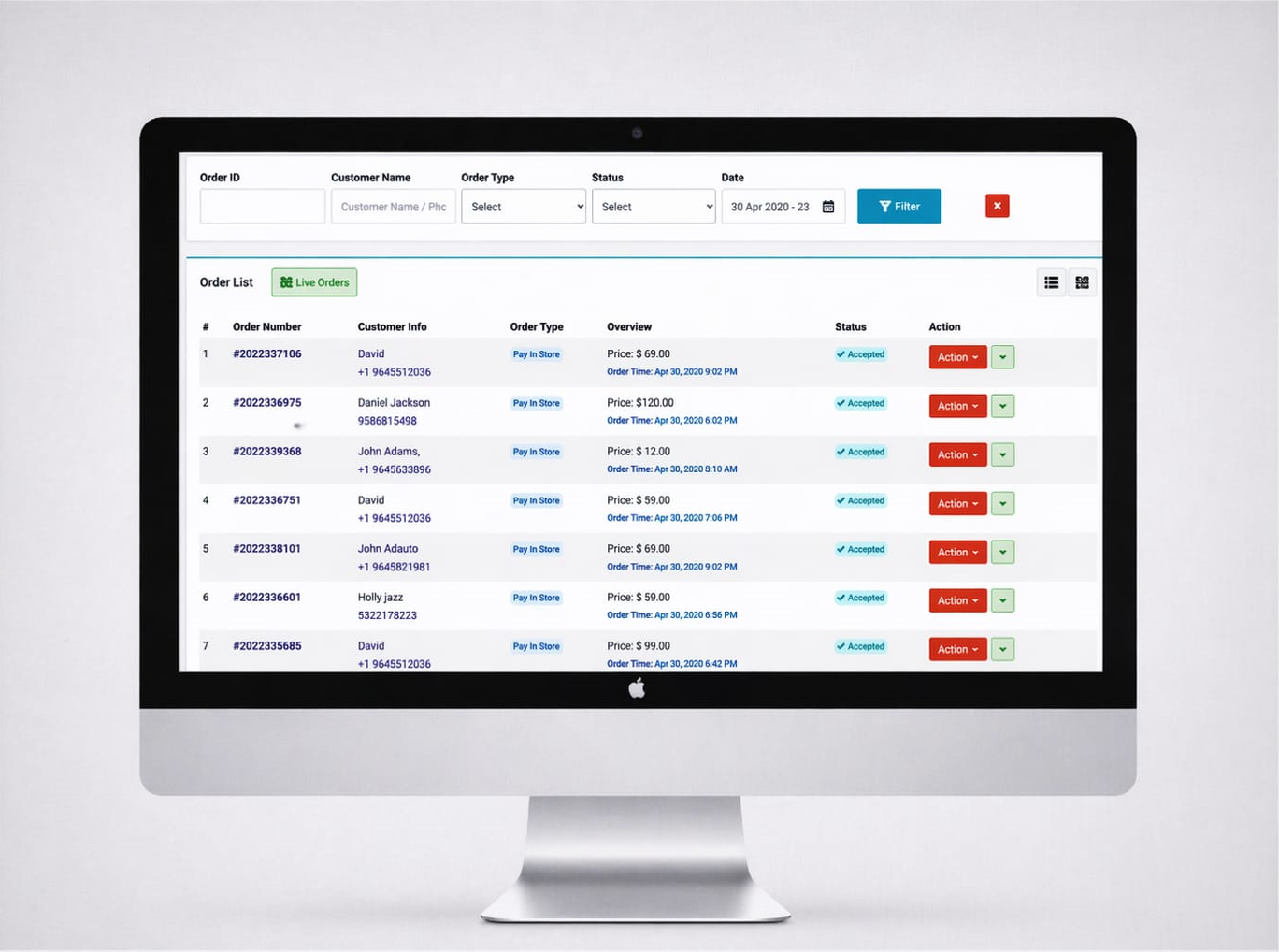
Orders are organized for smoother service, faster fulfillment and less back-and-forth.
Your original How2dine product visuals are now presented as a polished product journey instead of being buried inside the old template layout.
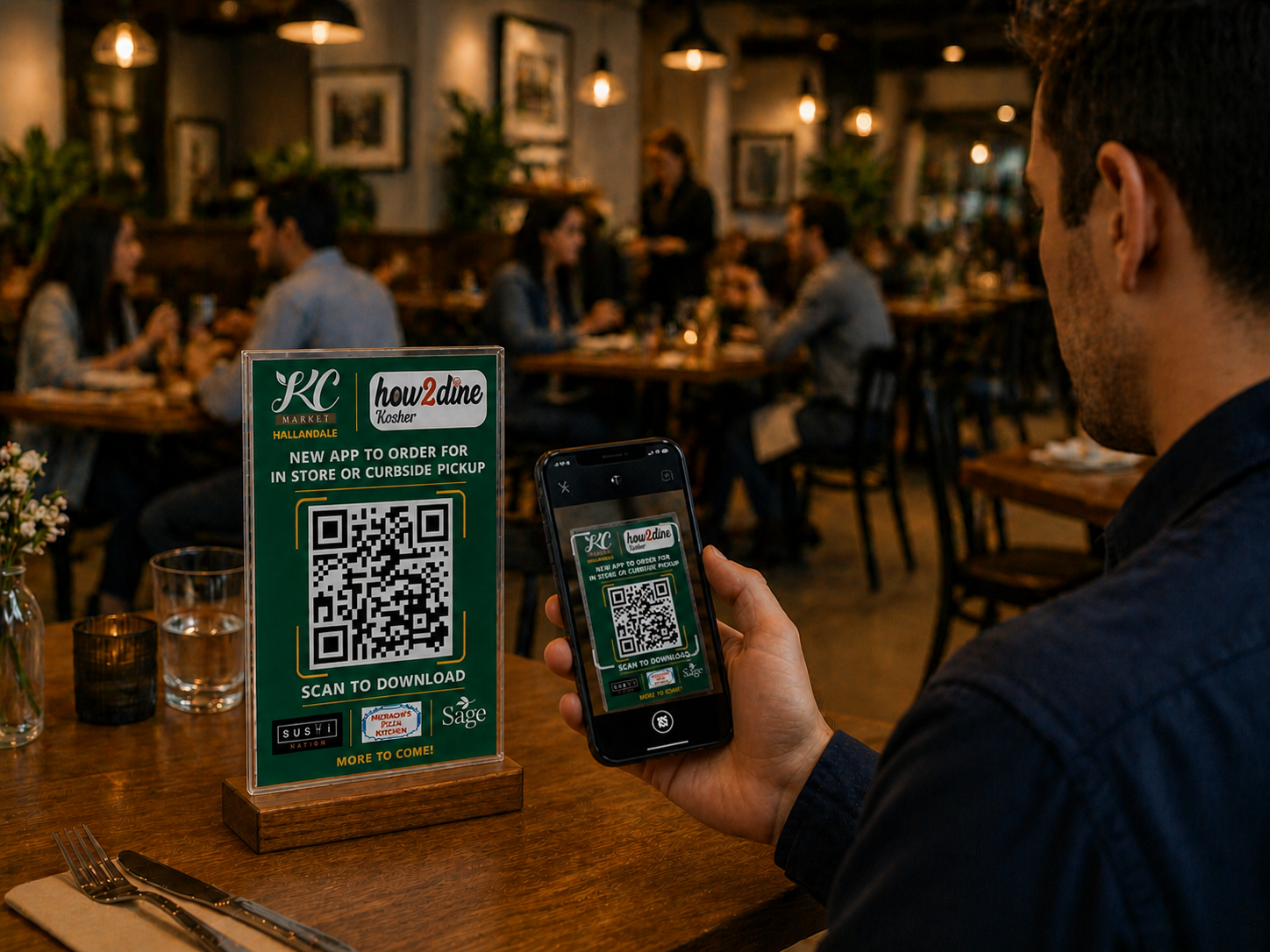
How2dine brings everyday ordering controls into one straightforward experience so your team can focus on guests.
Connect ordering with the operational tools your business already depends on.
Route order information into the workflow your staff already understands.
Organize incoming orders so teams can work with better visibility.
Keep your digital menu aligned with your day-to-day operation.
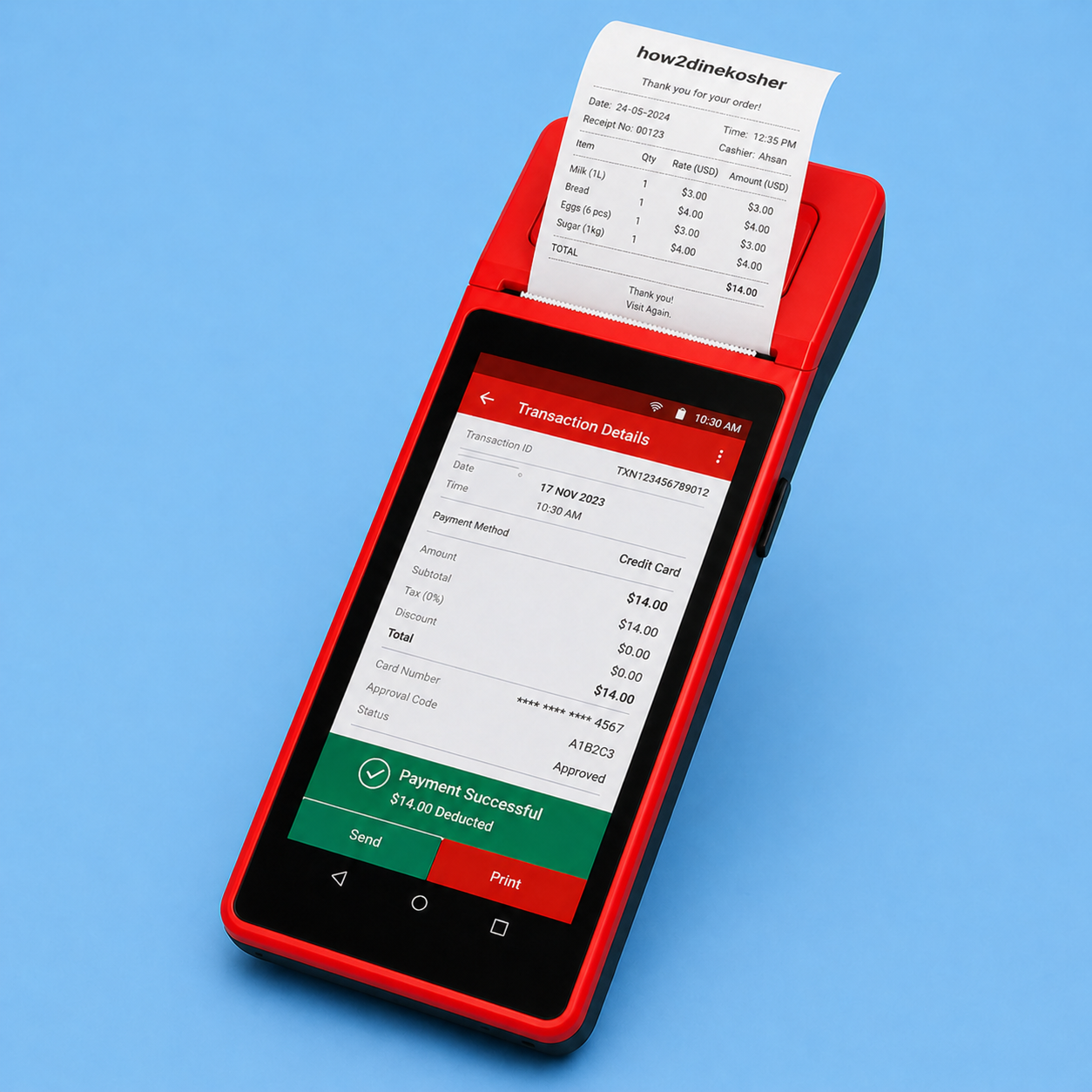
Use the devices and printing options that make sense for your operation.
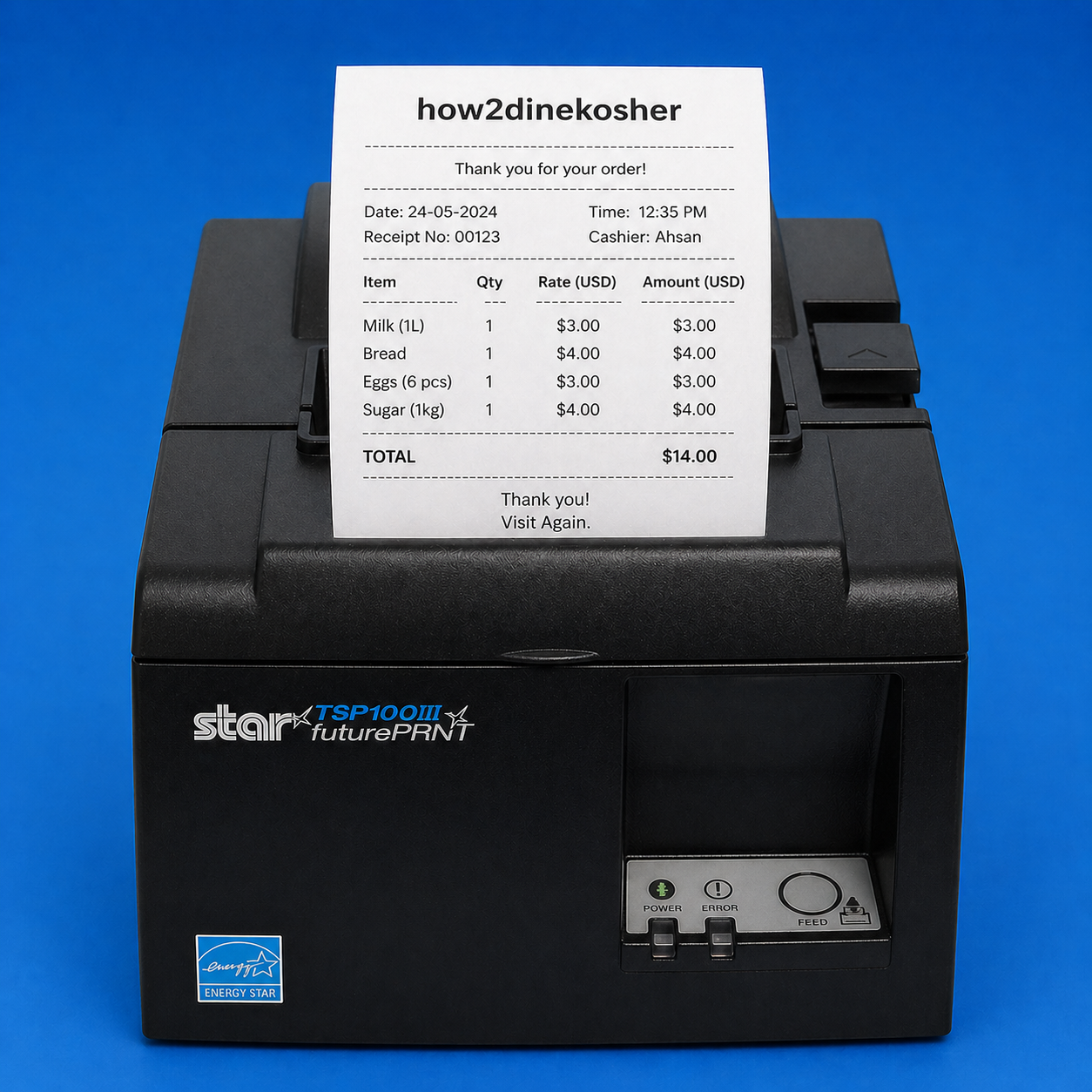
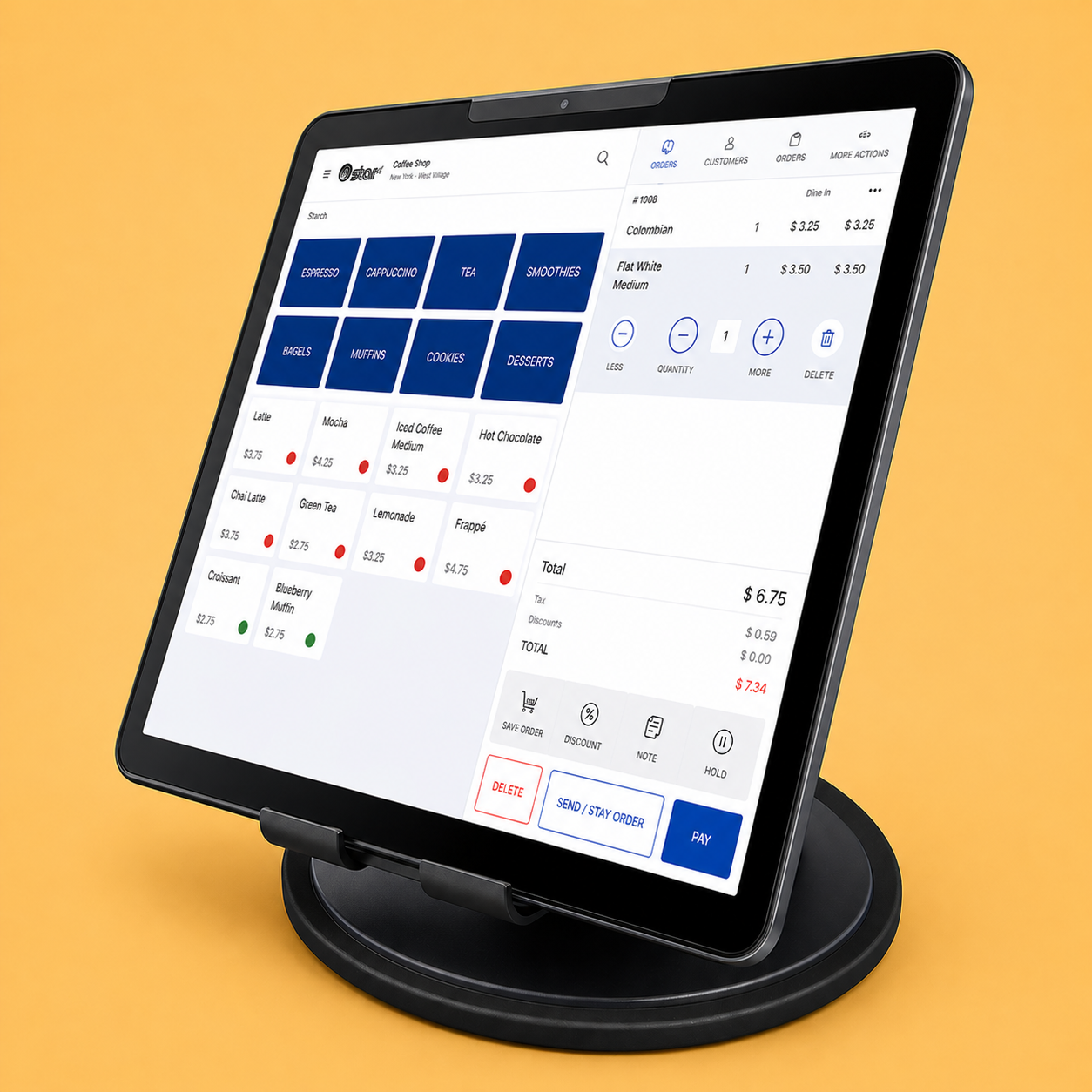
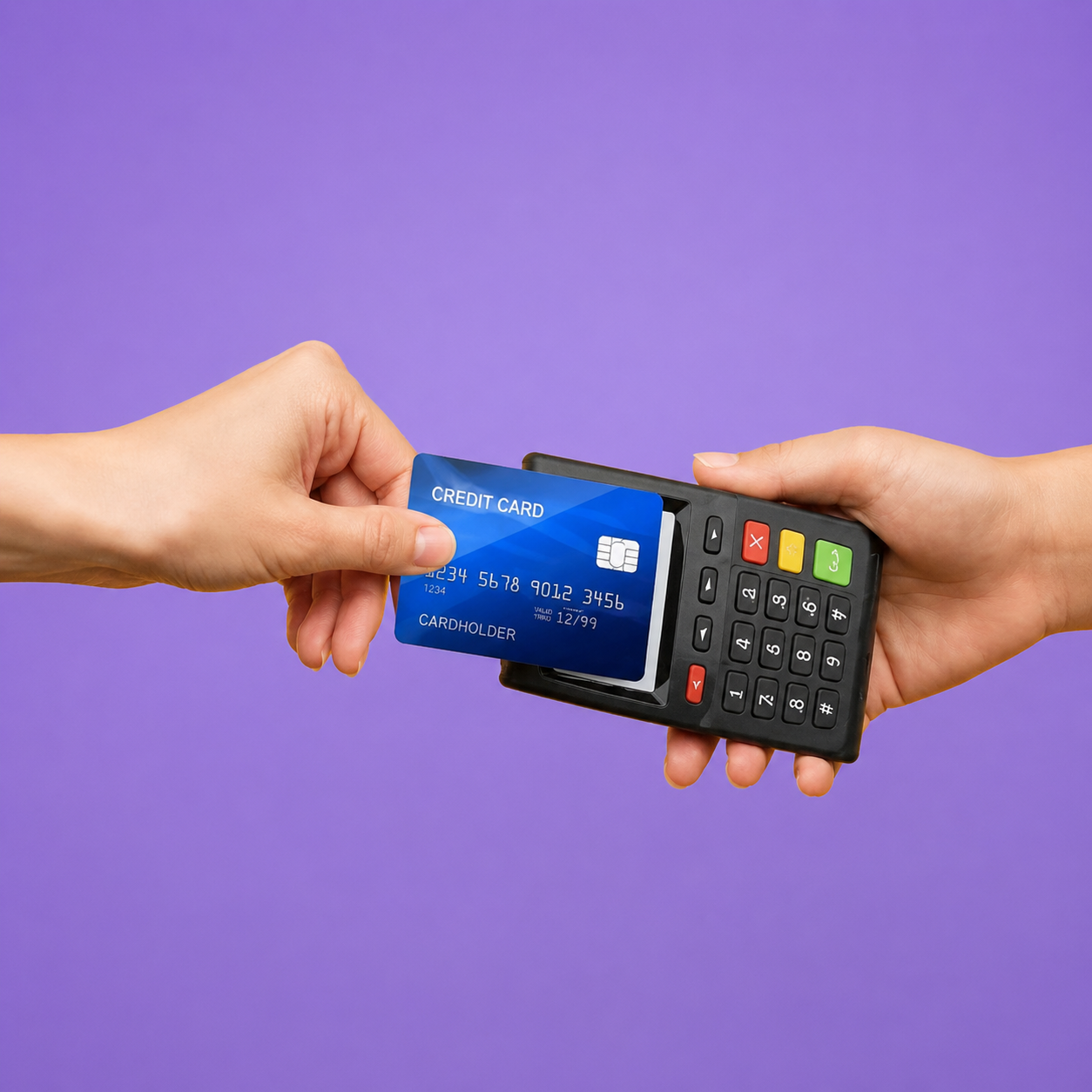
Simple subscription options based on the plans already present in your current How2dine page.
Explore the basics before you scale.
For growing businesses that need more control.
For businesses ready for advanced workflows.
Educational content from the existing page, presented in a cleaner editorial layout.
Launch a modern QR ordering experience and give your team a smoother way to serve.
Get started with How2dine →Everything you need to know about QR code ordering with How2Dine.
How2Dine is a digital restaurant ordering platform that helps restaurants simplify operations with QR code menus, online food ordering, and contactless dining experiences. Customers can browse menus and place orders from their smartphones.
Customers scan the QR code at their table to open the digital menu, browse dishes, customize selections where available, and place an order without waiting for a waiter.
How2Dine is suitable for restaurants, cafés, food courts, bars, hotels, cloud kitchens, and other food service businesses looking to modernize ordering.
Yes. How2Dine provides QR code-based digital menus that customers can access using their smartphones.
No. Customers can scan a QR code and access the digital menu in their mobile browser without downloading an app.
Yes. Customers can browse the menu and place orders from their table using their smartphones.
Restaurants can offer menu customization options such as available add-ons and special preferences.
Yes. Customers can view menu items, descriptions, and prices before placing an order.
Yes. Restaurant owners can manage menus, change prices, add dishes, and update item availability.
Yes. Guests can browse menus and place orders digitally using QR codes, reducing the need for physical menus.
How2Dine helps streamline order taking, reduce manual work, improve order accuracy, and provide a smoother guest experience.
How2Dine’s table-based ordering approach helps restaurants organize dine-in orders by table.
Yes. Orders can flow into the restaurant’s ordering workflow so staff can process them efficiently.
Yes. How2Dine can be useful for small cafés, independent restaurants, and larger dining establishments.
Yes. Restaurants can display menu items with images, descriptions, and prices.
Payment availability and supported methods depend on your restaurant’s setup. Contact How2Dine to learn about available integrations.
How2Dine offers subscription options for different business needs. See the pricing section above for the plans displayed on this website.
Any applicable setup charges depend on your selected plan and implementation requirements. Contact the team for details.
Contact the How2Dine team to inquire about a product demonstration and discuss your restaurant’s needs.
Select Get started on this website to sign up, or contact the team to discuss your restaurant requirements and setup.
Yes. The QR code ordering experience is designed for customers browsing menus on mobile devices.
Customization options may be available depending on your requirements. Contact the team to discuss branding and additional functionality.
Yes. Customers can open the browser-based QR code menu on compatible Android smartphones and iPhones.
You can email [email protected] or call 888-929-8253 using the contact information provided on this website.
How2Dine helps modernize restaurant ordering with digital menus and QR code technology, reducing ordering delays and simplifying everyday operations.